Rig and Animate Quadruped Characters
2026-09-28 · New Feature
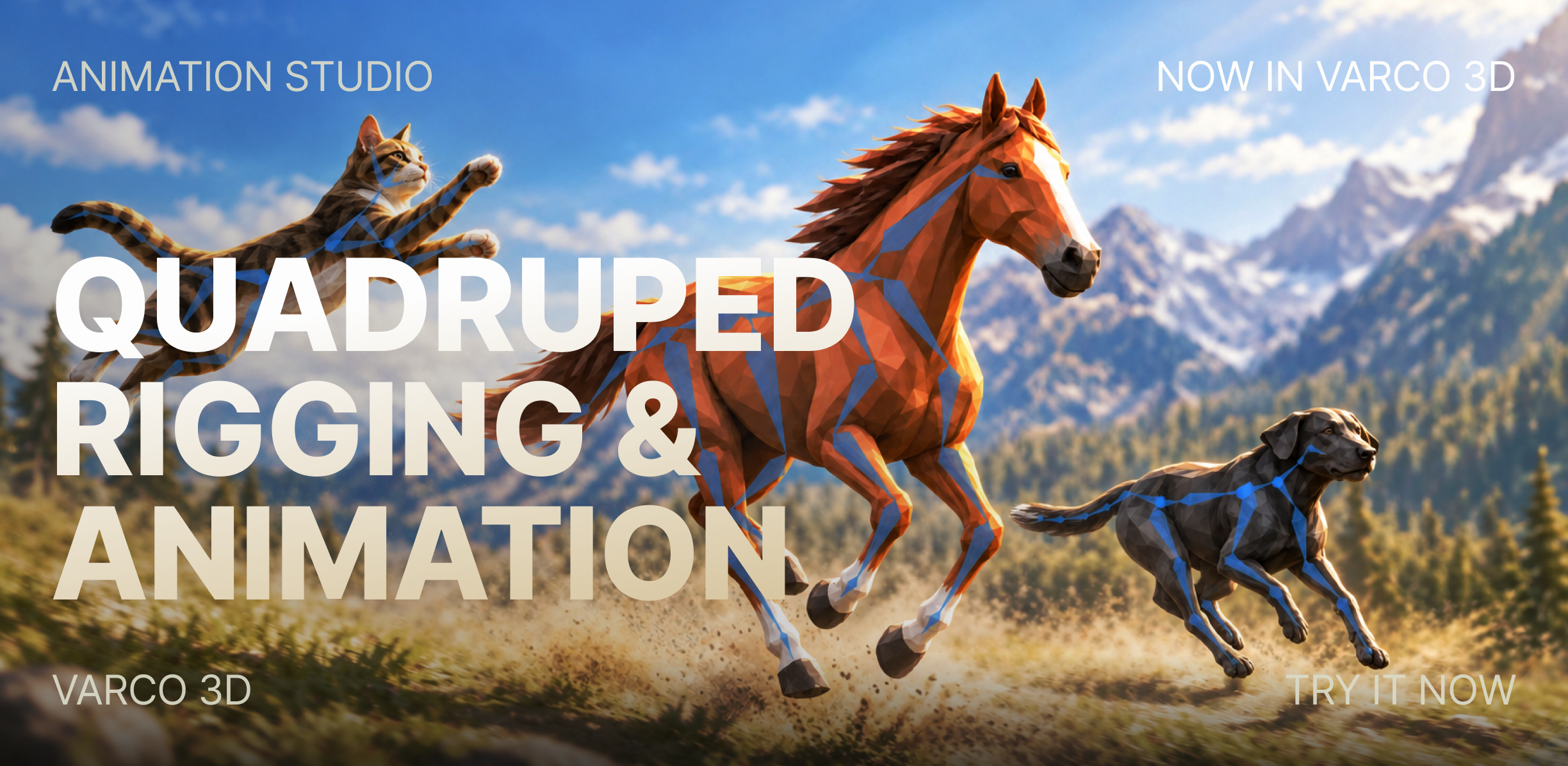
Rig with AI now handles quadruped characters. Choose Quadruped as the rigging type, and your dog, cat, horse, or deer comes back with a quadruped skeleton — ready for a new set of walk, trot, canter, and gallop animations.
What's New
- Quadruped rigging type — the Rig with AI dialog now offers Humanoid, Quadruped, and Other. Quadruped is marked BETA.
- Paws or hooves, handled for you — Rig with AI looks at the model's feet and builds the matching skeleton for pawed animals like dogs and cats, or hoofed animals like horses and deer. Auto detect recognizes quadruped models too.
- 48 quadruped animations — walk, trot, canter, gallop, idle, and action clips for dogs, cats, horses, and deer.
- Humanoid and Quadruped filters — the Animation List lets you switch between humanoid and quadruped animations, even before a model is rigged.
- Custom Workflow support — the Rig node adds a Quadruped option.
How to Use
- In Animation Studio, open a quadruped model and click Rig with AI.
- Choose Quadruped and click Start Rig with AI.
- When rigging finishes, pick an animation from the Animate panel, or click Expand to browse by category.
Good to Know
- Pawed and hoofed rigs use separate animation sets, and humanoid animations can't be applied to a quadruped rig.
- Quadruped rigging is still in beta, so some poses and body shapes may not rig successfully yet.