Rig the Fingers, Too
2026-09-08 · New Feature
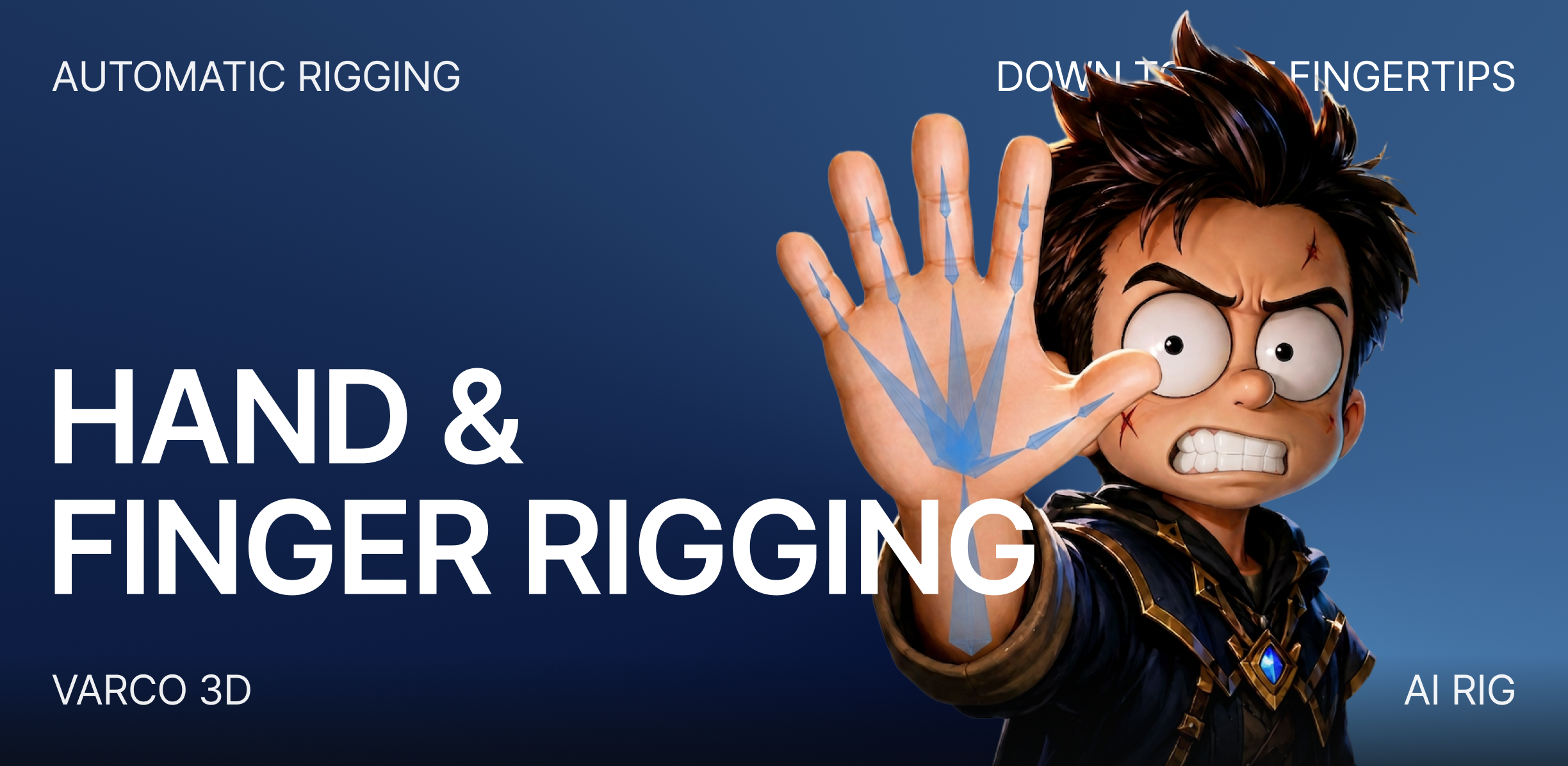
Rig with AI can now build a humanoid skeleton with a full set of finger bones — so your character's hands aren't a single rigid block anymore.
What's New
- New "Humanoid + Fingers" rigging type — the Rig with AI dialog adds a fourth option alongside Auto, Humanoid, and Non-humanoid. Pick it and your character is rigged as a humanoid with individual finger bones on both hands. It's marked BETA while we keep refining it.
- Finger-level control — with per-finger bones in the rig, hands can curl, grip, point, and gesture instead of moving as one solid piece.
Why It Matters
The standard humanoid rig keeps hands simple — perfect for running and jumping, but a dead end for anything that needs real hand expression: gripping a weapon, pointing, a delicate gesture. Humanoid + Fingers gives those characters the extra joints they need, straight from the Rig with AI dialog — no external rigging tool required.
How to Use
- In 3D Studio, open an asset and click Rig with AI.
- In the Rig with AI Notice dialog, choose Humanoid + Fingers as the rigging type.
- Click Start Rig with AI — your character comes back with finger bones in place, ready to pose.
Pick Humanoid when the body is enough. Pick Humanoid + Fingers when the hands need to speak.