A Bigger Explore. A Better Place to Build.
2026-07-27 · Improvements
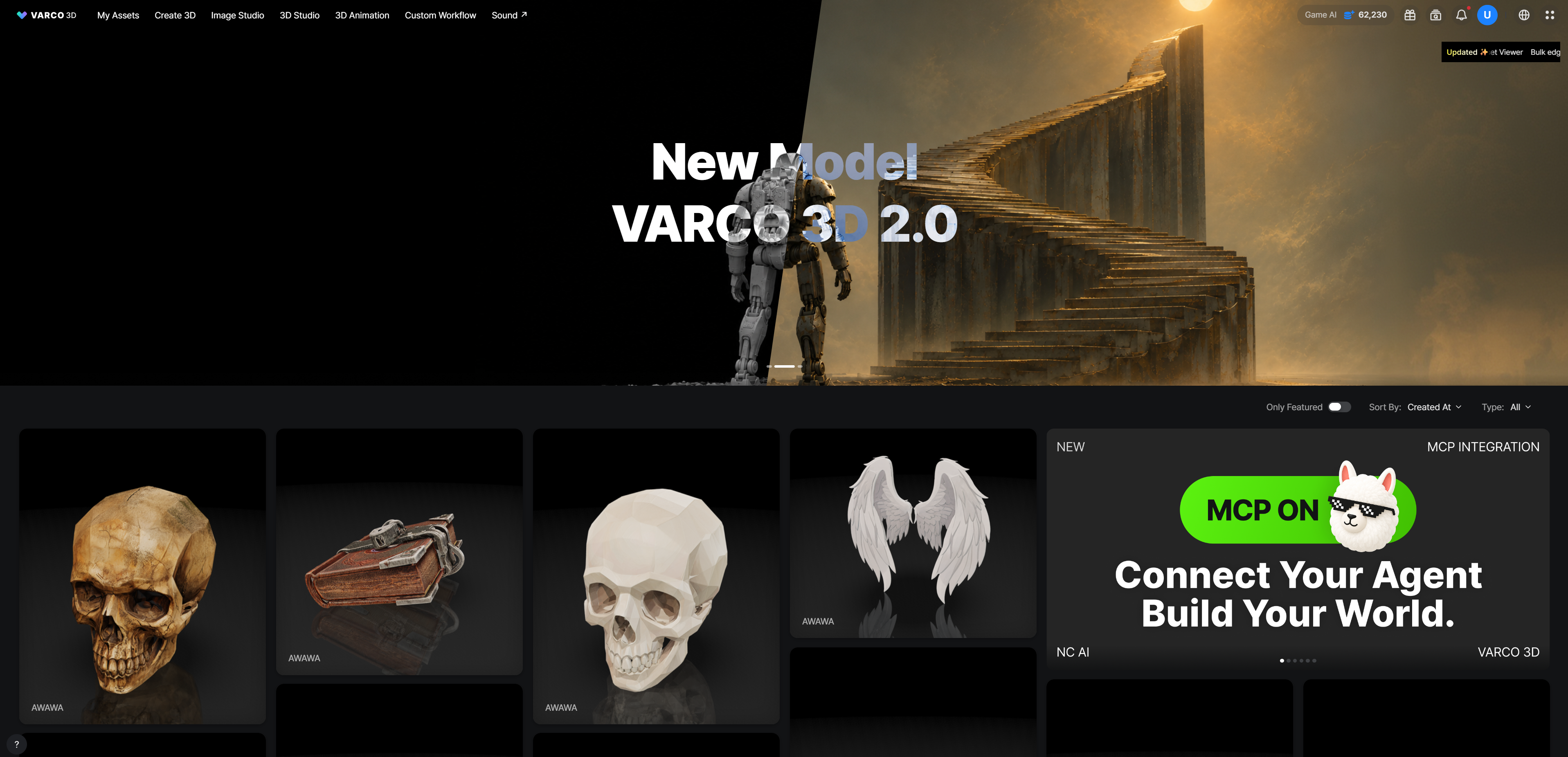
VARCO 3D has a completely new layout.
We did not move everything around just to keep you alert. The new structure gives your assets more room today—and gives us more room for what comes next.
Explore, at a Larger Scale
Community assets now take center stage on Explore.
- Larger previews make it easier to inspect an asset before opening it.
- More visual space puts the work itself ahead of menus and controls.
- Browsing the community feels less like reading a list and more like exploring a gallery.
Less squinting. More discovering.
Creation, Better Organized
The creation experience has been restructured to make each step clearer and easier to expand.
- Tools and controls are grouped around the task you are working on.
- Creation screens have a more consistent structure.
- Complex workflows have more room to grow without turning the interface into a game of UI Tetris.
- Moving between generation, editing, workflows, and results feels more predictable.
The result is a workspace that stays organized as your pipeline becomes more capable.
Built for What Comes Next
This redesign is not only a visual update. It is the foundation for adding new creation tools and workflow features faster.
A more scalable layout means new capabilities can arrive in the right place instead of being squeezed into whichever corner still has five pixels left.
We left ourselves room.
We have plans for it.
Quite a few, actually.
How to Use
There is nothing to migrate or enable. Open VARCO 3D and the new layout is already there.
Start with Explore to see community assets in their new, larger format—then move into the newly structured creation experience and keep building.
More room to explore. More room to create. And, conveniently, more room for the features on their way.