AI Textures, Ready to Edit
2026-07-13 · New Feature
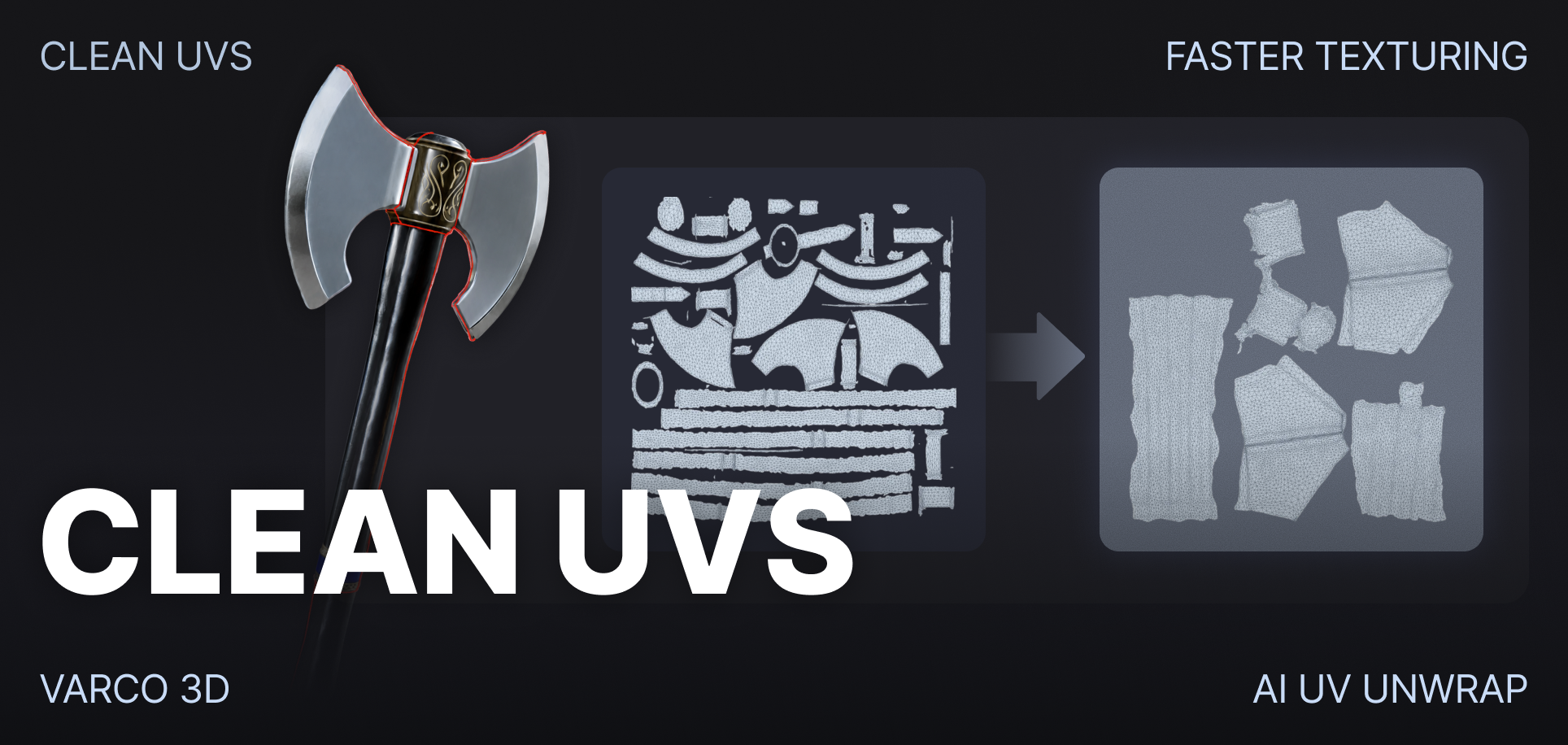
AI-generated textures can look good on the model but become nearly impossible to edit once you open the UV map. Overlapping details, scattered islands, and unclear boundaries make even small changes difficult.
AI UV Unwrap turns that texture layout into something you can actually work with.
What's New
- AI UV Unwrap is now available in 3D Studio.
- AI identifies the different parts of your asset and places UV seams around their boundaries.
- The texture is regenerated on the new UV layout while preserving the original appearance.
- UV seams and segmented parts can be previewed directly in the viewer.
Why It Matters
- AI-generated textures are often packed into a chaotic UV layout that is difficult to understand or edit.
- By separating the asset into meaningful parts, AI UV Unwrap creates cleaner, more organized texture regions.
- Details for different parts are easier to locate, paint, replace, and refine.
- Assets that previously looked finished but could not be practically edited now have a usable path into texture painting and production workflows.
How to Use
- Open your asset in 3D Studio.
- Find the AI UV Unwrap panel.
- Click Apply.
That’s it. VARCO 3D handles part segmentation, seam placement, UV unwrapping, and texture remapping for you.
Good to Know
- AI UV Unwrap currently generates a 20K triangle mesh.
- Running Remesh afterward will not preserve the AI UV Unwrap result.
From tangled AI textures to an organized UV layout, ready for the edits that come next.