Generate 3D from Multiple Angles
2026-04-15 · New Feature
What's New
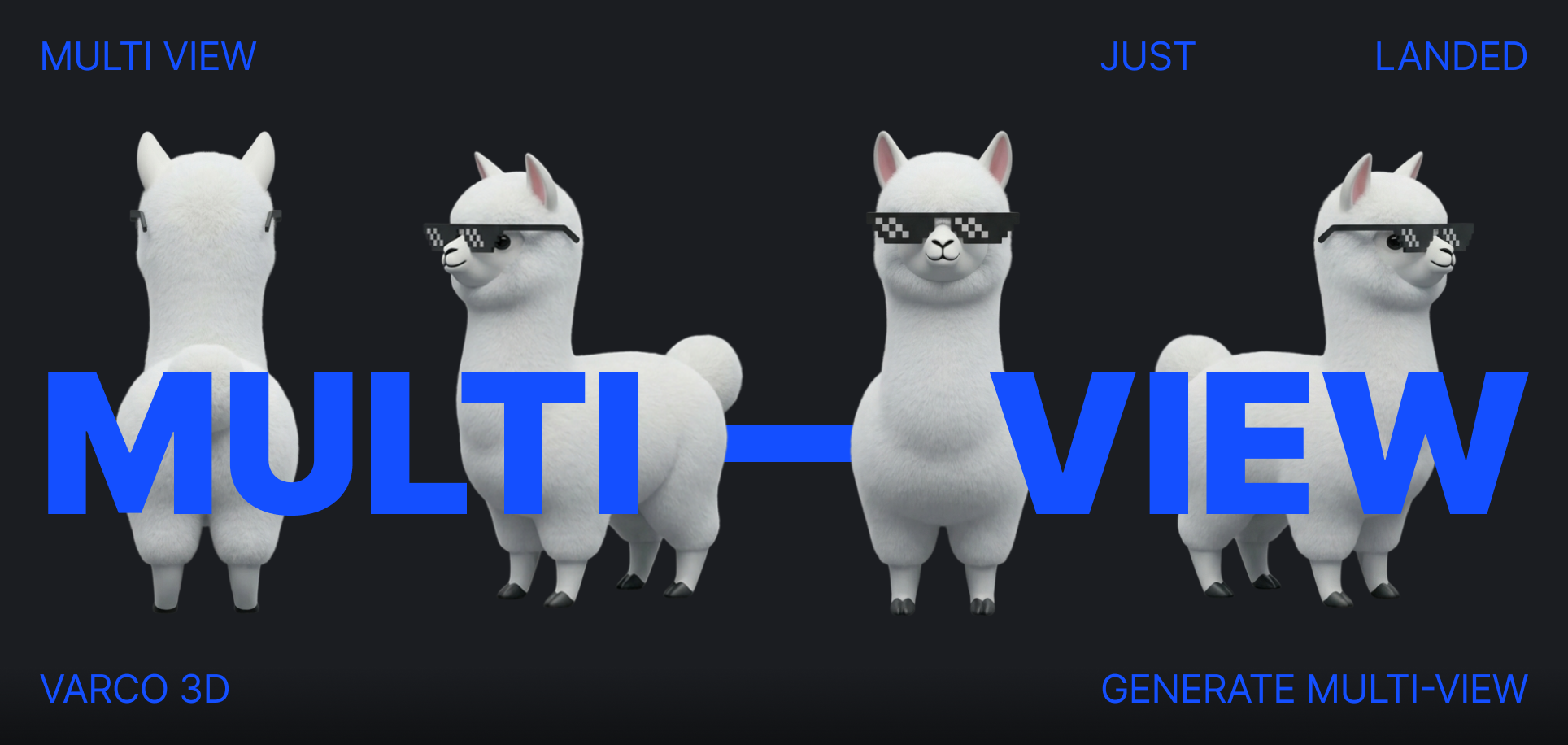
- Multiview mode is now available in the Generate Panel.
- Upload images from up to 4 angles — Front, Back, Left, and Right — to generate more accurate 3D assets.
- Or, upload a single image and let AI generate all four views automatically.
- Missing a view? Hit the Gen button on any empty slot to let AI complete it from the views you already have.
- Not happy with a result? Use the Edit button to regenerate it right away.
Why It Matters
- A single image can only guess what the other sides look like.
- With multiview input, the model sees the asset from multiple angles — so the result is closer to what you actually want.
- Less guesswork, fewer surprises on the back of your model.
How to Use
- Open the Generate Panel
- Switch to Multiview mode
- Upload images for each angle — Front and Back are required
- Don't have all views? Click the Gen button on any empty slot to auto-generate it
- Review each view — use Edit to regenerate any view you're not satisfied with
- Hit Generate 3D
Starting from a single image?
- Upload an image in Image mode, and a Generate Multiviews button will appear — click it to auto-generate all four views at once.
Good to Know
- Multiview is available on the Plus plan.
- Multiview generation is free during beta.
- Supported formats: PNG, JPG, JPEG, WebP (max 10 MB each).